News
The Blood of Dawnwalker: Coen's Daytime Witchcraft, Dual-Form Builds, and PC Fixes
Rebel Wolves' director explains why Coen features powerful daytime Witchcraft, plus community fixes for AFMF 18 FPS locks and Xbox controller hold bugs.
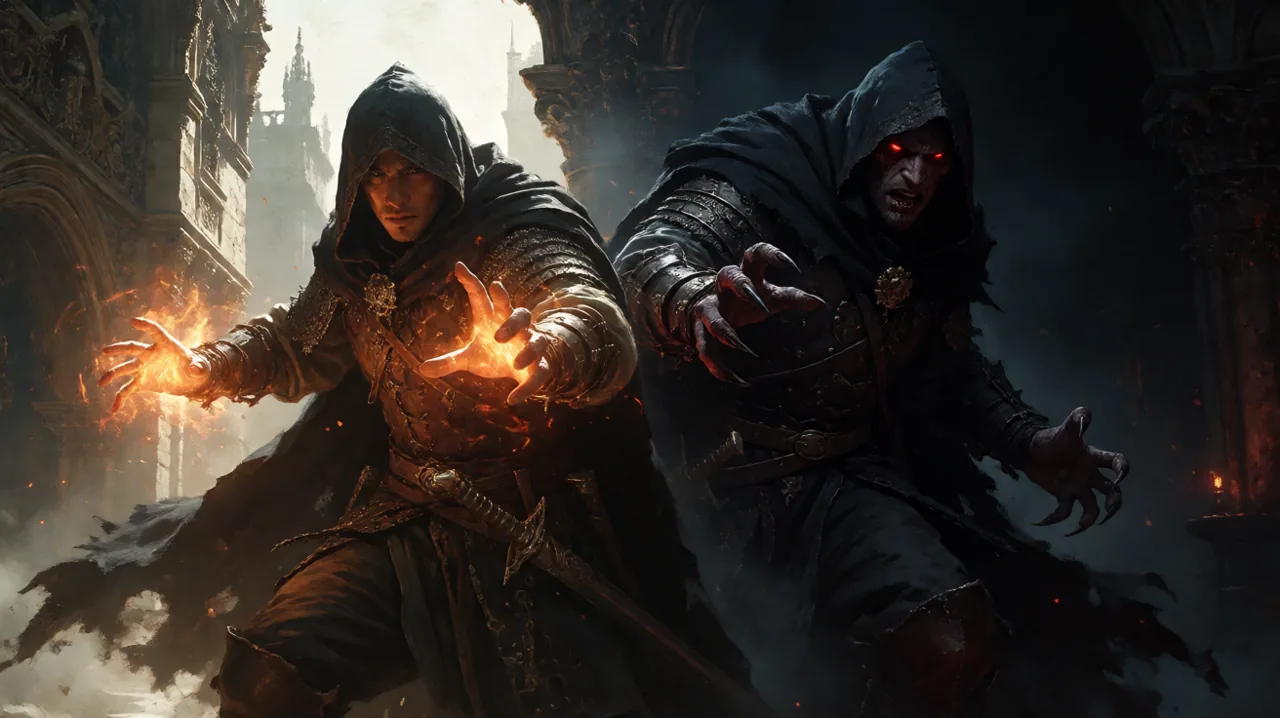
With The Blood of Dawnwalker propelling Steam to its reportedly best September in history in terms of user engagement, millions of players are currently navigating the unforgiving dark fantasy landscapes of Vale Sangora. As the broader community digs deeper into the intricate mechanics crafted by Rebel Wolves, a fascinating design philosophy regarding protagonist Coen’s dual nature has come to light.
According to recent comments from the game’s director, the incredibly potent Witchcraft available to Coen in his human form was a deliberate, strategic choice to solve a massive gameplay problem: the overwhelming player temptation to skip the daytime entirely.
If you are looking to optimize your endgame progression, understanding the balance between daytime spellcasting and nighttime brutality is essential. Furthermore, if you have been running into frustrating performance issues—specifically the bizarre 18 FPS lock on AMD hardware or Xbox controller glitches where holding a button fails to register—the community has found highly reliable workarounds.
The Temptation of the Beast: Why Players Skip Day
In video games featuring supernatural transformations, developers frequently run into a recurring mechanical trap: the baseline human form often feels significantly underpowered compared to the alternate monster state. When a game offers you the chance to play as a towering, bloodthirsty vampire with supernatural speed and strength, walking around as a regular human with a standard sword can feel distinctly underwhelming.
Historically, players presented with a day/night cycle in these types of dark fantasy settings will naturally gravitate toward the night. The vampire form in The Blood of Dawnwalker is viscerally satisfying, heavily relying on extreme mobility, life-leeching strikes, and brute physical force that can tear through armor. Because of this, it is highly tempting to use the in-game wait mechanics to bypass the sunlight hours entirely, treating the day as nothing more than a penalty phase or a minor inconvenience before the real fun begins.
The Director’s Insight: Giving Humans Powerful Witchcraft
According to a recent interview highlighted across community forums, the director of The Blood of Dawnwalker explicitly addressed this exact challenge. The development team realized early in production that without a strong mechanical incentive, players would simply skip straight to night, missing out on half of the world’s content, lighting, and environmental storytelling.
To counteract this behavior, Rebel Wolves made a bold balancing decision: they gave human Coen access to devastating Witchcraft.
This design choice radically shifts how you approach the game. Instead of treating daylight hours as a mere waiting period or a time strictly reserved for safe town traversal, the human form becomes a powerhouse of tactical, ranged area-of-effect destruction. The expected design intent is clear: playing during the day is not a handicap; it is an entirely different power fantasy that rivals the vampire state.
Hex Magic and Combat Dynamics in Vale Sangora
The division between day and night in The Blood of Dawnwalker essentially splits the game’s combat system into two distinct, highly polished playstyles.
During the day, Coen’s reliance on Hex magic allows for exceptional crowd control, elemental damage chaining, and strategic spatial awareness. Based on extensive community testing, investing heavily in the Witchcraft skill tree turns human Coen into a highly capable battlemage. You can lock down aggressive wilderness enemies like Kobolds or the territorial Tatzelwurms before they even manage to close the gap.
The magic system is reportedly highly fluid, allowing you to seamlessly weave spells between standard sword strikes. Rather than just waiting for enemies to approach, you are actively laying down traps and manipulating the battlefield. This heavily contrasts with the notion that the human form is a vulnerable, fragile state. For a deeper breakdown of specific spell combinations and timing windows, you can check our dedicated breakdown on combat and hex magic.
When the sun sets, the beast takes over. While you lose access to some of the refined, tactical Witchcraft, you gain raw speed and overwhelming melee prowess. Understanding when to utilize specific vampire powers and wolf form traits is critical for surviving the harder encounters in the dark, especially when dealing with rival vampire factions.
Synergizing Your Build: The Importance of Balance
This dichotomy means that hybrid builds—those that allocate skill points into both human magic and vampire strength—tend to yield the most consistent results across the game’s dynamic day-night cycle. Neglecting Witchcraft entirely will make daytime quests significantly harder and much more frustrating, particularly when dealing with ranged ambushes in the sprawling wetlands of Vale Sangora.
By embracing both sides of the coin, you create a character who is functionally immortal regardless of the position of the sun. You can weaken enemy encampments with long-range Hex magic during the late afternoon, and then seamlessly transition into a brutal vampire assault as dusk settles over the map. For more insights on how these mechanics feed into the overall narrative theme of the game, read our feature on balancing humanity and the beast.
This seamless integration of gameplay and story is likely why The Blood of Dawnwalker is currently dominating community discussions as a frontrunner for Best Narrative at the upcoming 2026 Game Awards. The choices you make in how you build your character mechanically reflect a deeply personal journey through a cursed world. The ludonarrative harmony achieved here sets a new benchmark for modern action RPGs.
Community Troubleshooting: Fixing Critical Launch Bugs
While the gameplay loop and narrative direction have received near-universal acclaim, the PC launch has not been without its technical quirks. Fortunately, the dedicated PC gaming community has quickly identified reliable solutions for two of the most prominent bugs currently affecting players.
Fixing the AMD AFMF 18 FPS Lock
If you are using an AMD graphics card and relying on AMD Fluid Motion Frames (AFMF) to artificially boost your framerate, you may have encountered a game-breaking bug where The Blood of Dawnwalker suddenly locks to a painfully stuttery 18 or 19 FPS. This frustrating issue seems to persist regardless of the in-game graphical settings, resolution scaling options, or driver versions you choose.
According to recent community troubleshooting on the AMD subreddits, the fix is surprisingly simple. The issue stems from a known conflict between AFMF generation and the game’s default windowing mode.
The Solution: Navigate to the in-game display settings and switch the Display Mode from Borderless Windowed to Exclusive Fullscreen.
Players report that making this single change instantly allows AFMF to function correctly, unlocking the framerate and returning the game to a smooth, playable state. If you still experience stuttering on secondary monitors (such as YouTube videos lagging or dropping frames while the game is running), this is an expected quirk of the current Adrenalin drivers when AFMF is active, and keeping the game locked to Fullscreen remains the absolute best mitigation strategy.
Resolving the Xbox Controller Hold/Long-Press Issue
Another highly frustrating bug involves players using standard Xbox controllers on the Steam version of the game. Certain critical actions in The Blood of Dawnwalker—such as interacting with specific environmental objects or charging up heavy attacks—require holding down the ‘X’ button. However, the game frequently misinterprets this long-press as rapid, repeated inputs. Essentially, it acts as if you have a turbo button enabled. This cancels the action animation repeatedly and makes specific quest interactions impossible to complete.
The Solution: This is a conflict within the Steam Input wrapper, rather than the game’s internal code. To fix it:
- Open your Steam Library, right-click on The Blood of Dawnwalker, and select Properties.
- Navigate to the Controller tab on the left-hand menu.
- Click on Controller Configurator (you can also open the Steam Overlay in-game and select Controller Settings).
- Edit your current layout and locate the ‘X’ button mapping.
- Check the Activators or advanced settings for that specific button and ensure that Turbo Mode (Hold to Repeat) is completely disabled.
In some rare cases, third-party overlay software or external controller mapping programs (like DS4Windows, if you are emulating an Xbox pad) can also force a rapid-fire state on the system level. Disabling these external programs while playing usually resolves any lingering long-press glitches.
As The Blood of Dawnwalker continues its dominant run through the fall gaming season, mastering both the technical setup of your hardware and the intricate gameplay mechanics is vital. Do not sleep on Coen’s daytime Witchcraft; upgrading your human abilities provides a wildly entertaining combat loop that perfectly complements the savage nature of his nighttime form. Optimize your build, tweak your system settings, and the dark secrets of Vale Sangora are yours to uncover.