News
The Blood of Dawnwalker Steam Page Recommends a Controller: Should PC Players Ditch Mouse and Keyboard?
Rebel Wolves officially recommends a gamepad for The Blood of Dawnwalker on Steam. We analyze what this means for the combat, hex magic, and the PC purist debate.
The Discovery on the Steam Store Page
As the September 3, 2026 launch date steadily approaches, the PC gaming community is beginning to heavily scrutinize the technical details surrounding The Blood of Dawnwalker. Recently, sharp-eyed fans noticed an update to the game’s official Steam store page: the addition of a small but highly significant tag reading “Controller Recommended.”
For many modern action RPG enthusiasts, this tag is hardly a surprise. However, for a vocal segment of traditional PC gamers, seeing developers actively encourage players to bypass the mouse and keyboard in favor of a gamepad always sparks an intense debate. Developed by Rebel Wolves—a studio founded by industry veterans with deep roots in The Witcher 3 and Cyberpunk 2077—The Blood of Dawnwalker promises a robust, highly reactive combat system. But does the controller recommendation mean that the traditional WASD setup is going to be a compromised experience? Or is this simply a reflection of where modern dark fantasy game design is naturally heading?
The PC Purist Perspective: Mouse, Keyboard, and the F5 Dopamine Hit
The conversation gained significant traction recently on the official Dawnwalker subreddit, where users began questioning how much this hardware recommendation would actually influence their setup. For veteran PC players, the mouse and keyboard represents more than just a set of generic inputs; it is an intrinsic part of the role-playing experience that has defined the platform for decades.
As one community member aptly pointed out during the discussions, the simple act of pressing the F5 key to quicksave is practically a “dopamine injection.” The ability to instantly manually save your progress before initiating a risky dialogue choice, attempting a dangerous stealth maneuver, or charging headfirst into a camp of heavily armed enemies is a hallmark of PC gaming autonomy. Controllers, by contrast, typically require players to navigate through multi-layered pause menus to manually save, which can momentarily disrupt the immersion of the dark fantasy setting.
Beyond meta-game mechanics like saving and inventory management, there is the undeniable superiority of the mouse when it comes to camera control. Navigating complex indoor environments, tracking fast-moving targets, and snapping the camera around to face an unexpected ambush are all maneuvers where a high-DPI gaming mouse vastly outperforms an analog stick. For players who value precise situational awareness and want to fully absorb the gothic architecture detailed in our Vale Sangora world guide, moving away from a mouse can feel remarkably restrictive.
Why Rebel Wolves is Pushing Gamepads
So, why would a developer with such a historically strong PC heritage recommend a controller for their debut title? The answer likely lies in the fundamental mechanical design of Coen’s combat rhythm.
In our earlier coverage of how The Witcher 3’s sword master is shaping combat, it became clear that pacing, parrying, and positioning are paramount to survival. Action-oriented swordplay often benefits tremendously from the tactile feedback and localized layout of a modern controller. The shoulder bumpers and analog triggers offer immediate, intuitive access to light attacks, heavy attacks, parries, and dodges without forcing the player’s fingers to contort across a flat keyboard.
Moreover, movement in a highly demanding third-person melee game is vastly improved by an analog stick. The WASD keys limit your character’s movement to eight strict, rigid directions. An analog stick, however, allows for smooth 360-degree omnidirectional movement and variable movement speeds. You can lightly tilt the stick to walk slowly through a tense, atmospheric dungeon, or push it fully to sprint—a nuance that keyboards traditionally struggle to replicate without dedicated toggle modifiers.
Hex Magic and the Lock-on Dilemma
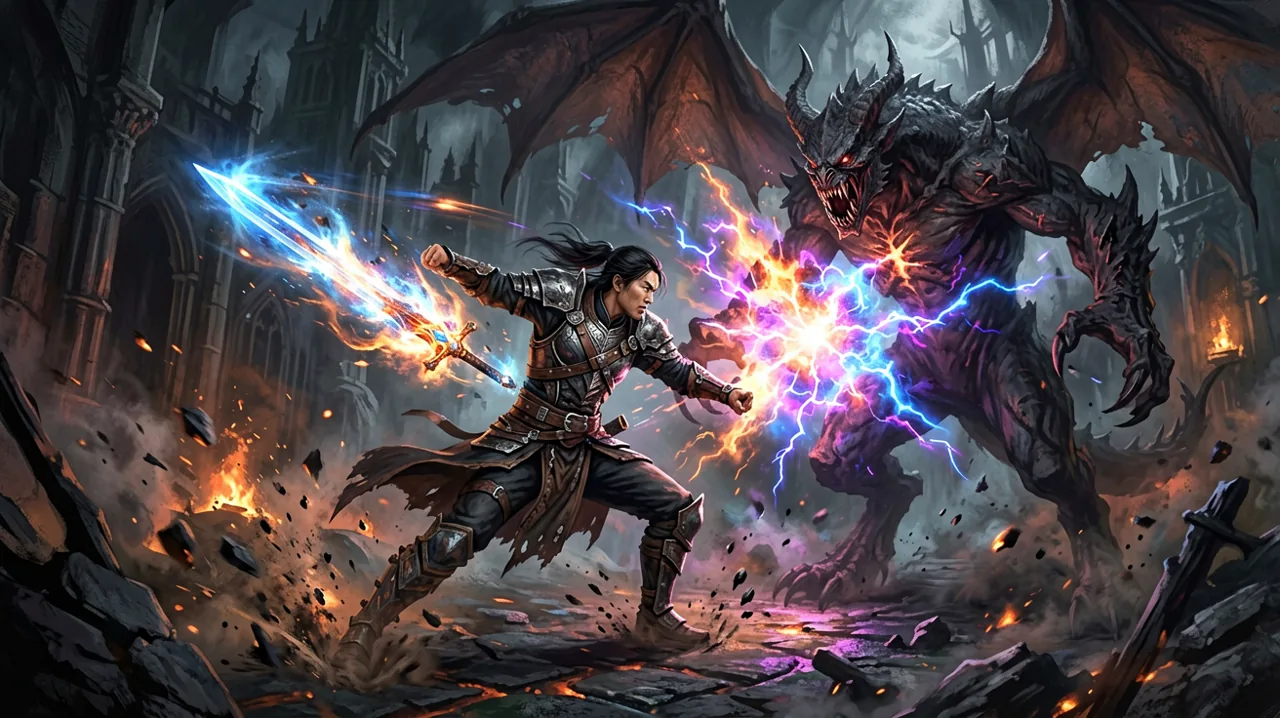
Where the input debate gets truly complicated is the implementation of the supernatural elements. The game features a robust system of combat and hex magic, allowing players to weave dark spells directly between their sword strikes.
Historically, aiming spells or ranged abilities feels significantly better with a mouse cursor. If hex magic requires precise reticle targeting—such as placing an area-of-effect curse precisely on the ground or landing a linear projectile on a distant archer on a balcony—mouse and keyboard players will have a massive and distinct advantage. However, if Rebel Wolves has designed the combat around a strong “soft lock-on” or “hard lock-on” system, the need for precise aiming essentially evaporates.
Given the prominent controller recommendation, it is highly likely that The Blood of Dawnwalker relies heavily on a generous lock-on mechanic, prioritizing tactical positioning and timing over raw aiming skill. This theory aligns perfectly with the rhythmic nature of the swordplay, suggesting that magic is meant to be seamlessly integrated into melee combo strings rather than used as a standalone third-person shooter mechanic.
The Duality of Combat: Human vs. Vampire Forms
Another critical factor to consider when choosing your peripheral is the game’s core gameplay hook: Coen’s dual nature. Managing the transition between his daytime human form and his nighttime vampire state will require a varied approach to combat pacing. You can read more about how these mechanics drastically alter the gameplay loop in our overview of vampire powers and wolf form.
In his human form, combat is deliberate, grounded, and reliant on steel weapons and strategic hexes. In his vampire form, Coen reportedly becomes drastically more aggressive, utilizing feral strikes, rapid gap-closers, and vertical leaps. Navigating this sudden shift in combat pacing might feel more cohesive on a controller, where the face buttons are tightly clustered for rapid combo execution. Rapidly tapping a sequence of face buttons to tear through enemies as a vampire simply translates more naturally to a gamepad than hammering the left mouse button and nearby number keys.
Haptic Feedback and Modern Gamepad Immersion
Another massive advantage that controllers have gained in recent years is the evolution of advanced haptic feedback and adaptive triggers. While Rebel Wolves has not yet confirmed the exact scope of hardware support, if they integrate DualSense support for the PC version—a feature becoming increasingly standard for high-end AAA and AA releases—playing with a PlayStation 5 controller could offer an entirely new layer of immersion.
Feeling the mechanical tension in the adaptive triggers as you charge up a devastating hex magic attack, or sensing the localized, heavy vibrations when a monstrous enemy’s heavy attack connects with your guard, provides sensory feedback that a standard mechanical keyboard simply cannot replicate. For an immersive, story-rich action RPG that aims to pull you into its dark world, these subtle physical cues can elevate the entire combat experience.
Balancing the Challenge: Will M&K Players Be at a Disadvantage?
A significant concern voiced in the Reddit community is whether playing on a mouse and keyboard will artificially inflate the game’s difficulty curve. When developers balance encounter pacing, enemy attack tracking, and dodge invincibility windows, they do so based on their primary input testing methods.
If the dodge mechanics are tuned specifically for the instantaneous flick of an analog stick, players relying on WASD might find the timing windows feeling unusually tight, clunky, or slightly unresponsive. This is particularly relevant when fighting multiple enemies at once. Managing crowd control against a pack of supernatural beasts often requires backpedaling and strafing at specific angles. An analog stick makes retreating while keeping the camera locked on incredibly intuitive, whereas WASD limits you to sharp diagonal movements that can sometimes awkwardly expose the player’s back to enemy strikes.
User Interface and Navigating the Skill Trees
A persistent fear among PC gamers when they see a “Controller Recommended” tag is the dreaded “console UI port.” We have all experienced role-playing games where the inventory screens, map navigation, and skill trees were clearly designed to be scrolled through with D-pads and analog bumpers, making them an absolute nightmare to navigate with a free-moving mouse cursor.
With The Blood of Dawnwalker featuring extensive builds and skill trees as well as a complex infamy system, menu navigation will be a frequent and essential activity. The community’s hope is that Rebel Wolves has dedicated sufficient resources to ensure the PC version features a bespoke UI experience—one that allows for drag-and-drop inventory management, clear cursor hitboxes, and dedicated hotkeys for specific menus. The presence of the controller tag does raise a mild red flag that the UI might heavily favor gamepad inputs, but until the community gets their hands on the final release, this remains a speculative concern.
What Should You Choose on September 3?
Ultimately, the choice of input will come down to personal preference, but the Steam store tag serves as a clear indication of the developer’s original vision. Rebel Wolves built the combat, the movement, and the pacing of The Blood of Dawnwalker with a controller in their hands.
If your priority is experiencing the combat flow exactly as the developers intended—feeling the rhythm of every parried sword strike and enjoying smooth, 360-degree movement—investing in a solid gamepad for this launch seems like the right move. The tactile advantages during fast-paced, complex melee encounters cannot be overstated.
On the other hand, if you value absolute control over the camera, the convenience of the quicksave key, and the traditional feel of a PC RPG, there is no immediate reason to abandon your mouse and keyboard just yet. Rebel Wolves has a track record of delivering deep, satisfying PC experiences, and they are undoubtedly aware of their core audience’s preferences. It is entirely expected that the game will offer full key rebinding, mouse sensitivity sliders, and standard PC features at launch.
As we edge closer to the confirmed September 3 launch date, we eagerly await further gameplay deep dives that might show off the PC-specific UI and control schemes in action. Whether you choose the precision of the mouse or the flow of the gamepad, making sure your hardware is ready is the next step. Be sure to check the PC system requirements to ensure your rig can handle the dark fantasy world of Vale Sangora smoothly.